Shopify Product SEO: A Practical Guide
Updated July 2, 2026
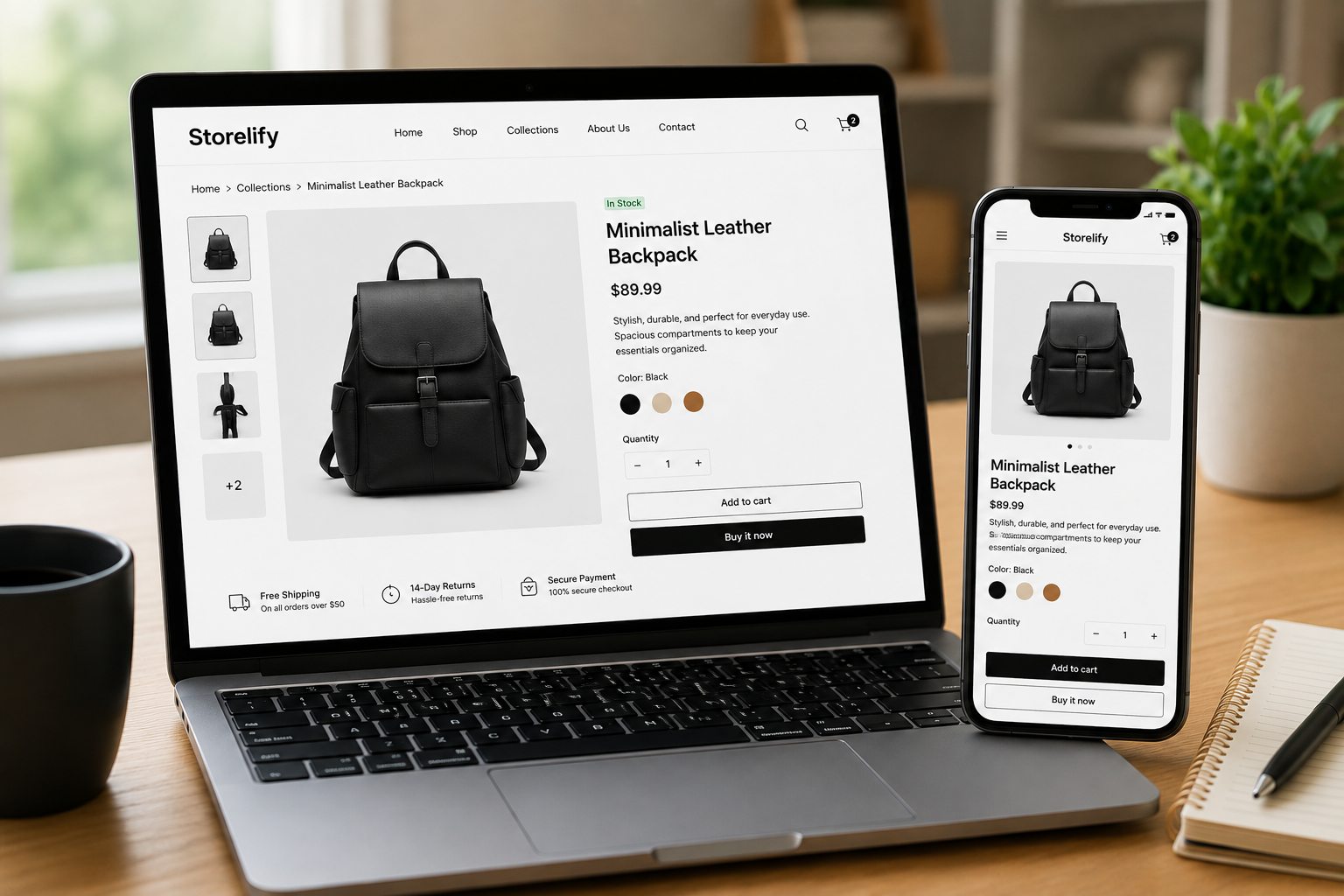
On Shopify, your competition isn’t just other sellers — it’s Google’s index. Every product page is a web page that Google crawls, evaluates, and ranks against every other store selling something similar. Shopify gives you clean, fast pages out of the box, but the signals that actually win rankings — title tags, meta descriptions, focus keyphrases — are yours to fill in, and most sellers leave them blank.
Start with a focus keyphrase per product
Before writing anything, decide the one query each product should rank for. Be specific: “stainless steel pour-over kettle” beats “kettle,” which you’ll never outrank. That phrase then guides your title, description, URL, and image alt text so Google sees a consistent topic.
Write the page title (title tag)
The title tag is the clickable headline in Google results and one of the strongest on-page signals. Put the focus keyphrase near the front, keep it under about 60 characters so it doesn’t truncate, and add your brand at the end. Shopify lets you set this separately from the product name under “Search engine listing” — use it. For the deep dive on product name vs SEO title, length, a formula, and the mistakes to avoid, see our guide to Shopify product title SEO.

Don’t skip the meta description
The meta description doesn’t directly rank a page, but it’s your ad copy in the search results. Write a unique 150–160 character description for every product, include the focus keyphrase, and give a concrete reason to click. Empty or duplicated descriptions are the single most common Shopify SEO gap.
Clean up the URL handle
Shopify builds a URL “handle” from the product title. Trim it to a short, keyword-focused slug — /products/pour-over-kettle, not a string of extra words. Set it before the product gets links or traffic; changing a handle later requires a redirect to avoid breaking existing rankings.
Write descriptions for people and crawlers
A one-line description won’t rank. Google needs enough text to understand the product, and shoppers need enough to buy. Cover materials, use cases, sizing, and the questions buyers ask — working the focus keyphrase and related terms in naturally. Add descriptive image alt text; it helps accessibility, image search, and topical relevance.
Add product structured data
Product schema (price, availability, reviews) can earn rich results — star ratings and price shown directly in Google. Many Shopify themes include it; confirm with Google’s Rich Results Test, and add or fix it if your theme doesn’t output valid product markup.
Running the same catalog on other platforms? The rules change again — see our WooCommerce product SEO guide, or, if you sell on Amazon, how to optimize Amazon listings for A9.
Frequently asked questions
How is Shopify SEO different from Amazon SEO?
On Amazon you optimize for the A9 algorithm inside a marketplace. On Shopify you optimize for Google: your product pages are web pages that Google crawls and ranks. That means title tags, meta descriptions, clean URL handles, and structured data matter — signals that don’t exist on Amazon.
What is a focus keyphrase on a Shopify product page?
A focus keyphrase is the single search query you want a product page to rank for in Google — for example “organic cotton baby blanket.” You then place it in the page title, meta description, URL handle, product description, and image alt text so Google clearly understands the page’s topic.
Does Shopify handle SEO automatically?
Partially. Shopify generates clean URLs and lets you edit title tags and meta descriptions, but it won’t write them for you, and defaults are rarely optimized. The meta description and focus keyphrase are exactly what most Shopify sellers skip — filling them in is where the ranking gains come from.
Should each Shopify product have a unique meta description?
Yes. Duplicate or missing meta descriptions weaken every affected page. Write a unique 150–160 character description per product that includes the focus keyphrase and a reason to click. It doesn’t directly rank the page, but it drives click-through from search results.
Skip the manual work
Ranklify applies the right SEO rules for Amazon, Shopify, and WooCommerce and writes a full, optimized listing in about 30 seconds. Start free — no card required.
Start free — 3 listings/month