WooCommerce SEO: The Complete Guide
Updated August 18, 2026
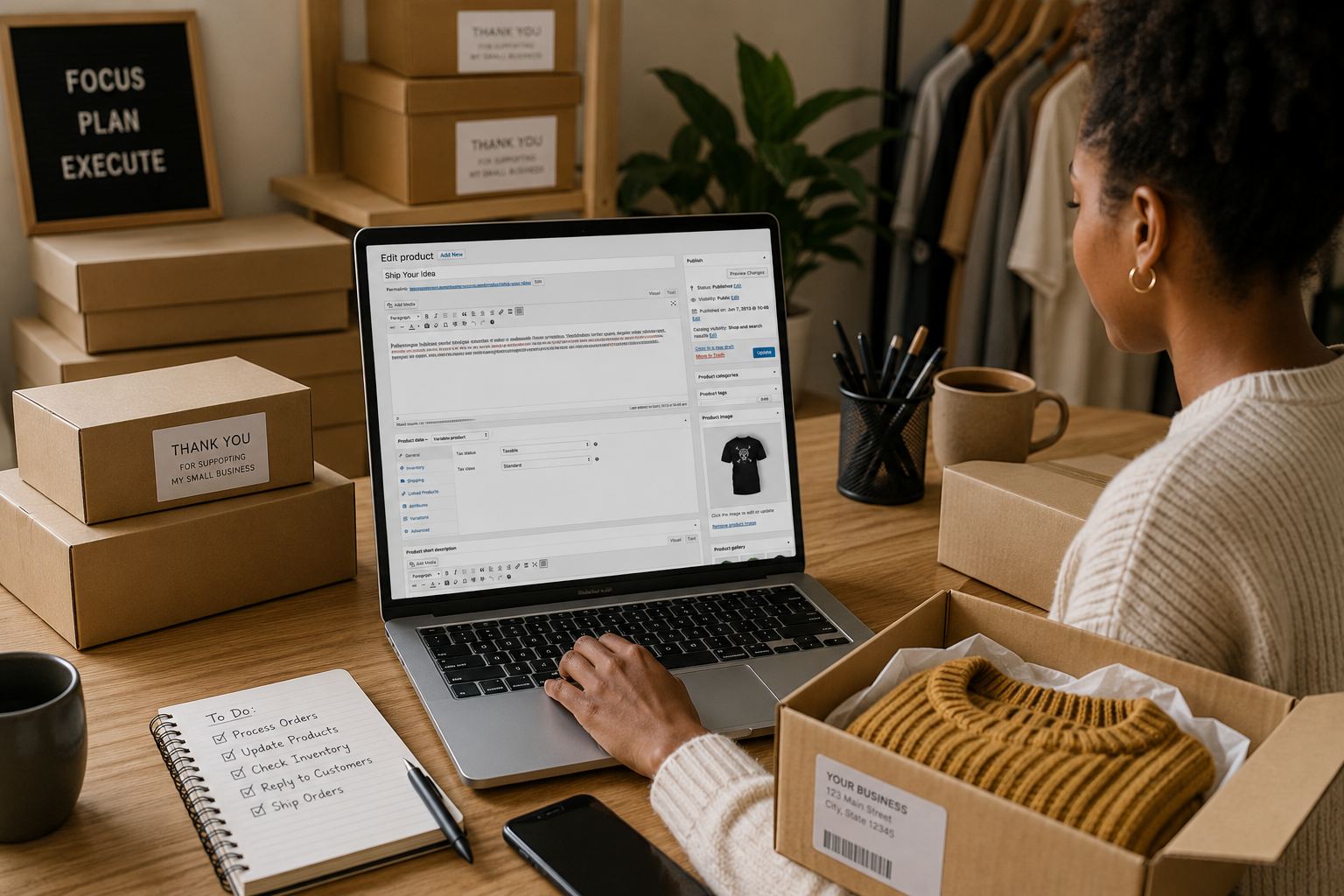
WooCommerce SEO is the work of making your whole store rank in Google — not just individual products, but the technical foundation, category pages, and page speed behind them. Because WooCommerce runs on WordPress, your store lives on a site you fully control, and it ranks on the strength of how well that site is structured. There’s no marketplace algorithm to satisfy; it’s classic on-page SEO across a real website. That’s an advantage if you use it, and a liability if your store is thin copy and default settings Google has no reason to rank.
What WooCommerce SEO covers
It helps to see WooCommerce SEO as four layers, each one a place your store either earns rankings or leaks them:
- Technical foundation — permalinks, an SEO plugin, an XML sitemap, crawlable pages, and fast load times. This is what lets Google find and index everything else.
- Product pages — focused title tags and genuinely useful descriptions, the pages that convert and rank for specific, high-intent buyer queries.
- Category (archive) pages — the pages that rank for broad terms like “men’s leather boots” that no single product can.
- Structured data — product schema that earns price, availability, and star ratings directly in the results.
The rest of this guide walks each layer in the order worth doing them. Get the foundation and product copy right first — they move the most rankings for the least effort.

Get the fundamentals in place
Set readable permalinks (Settings → Permalinks) so URLs include the product name, not query strings. Install an SEO plugin like Yoast or Rank Math to manage title tags, meta descriptions, and schema per product without touching code. Do this before launch — URL changes after you have traffic require redirects to avoid losing rankings.
Optimize product titles and descriptions
Pick one focus keyphrase per product and lead the title tag with it, keeping it under about 60 characters. Then write a genuinely useful description — materials, dimensions, use cases, and the questions buyers actually ask. Google needs enough text to understand the page, and shoppers need enough to decide. Thin, one-line descriptions rarely rank.
Writing that well for every product is the slow part. The Ranklify for WooCommerce plugin generates an SEO-scored title, description, and meta right inside the product editor — free to install from WordPress.org — and nothing on the product changes until you press Apply.
Use categories and tags with intent
Category pages can rank for broader terms like “men’s leather boots” that individual products won’t. Give each important category a unique title, meta description, and a short intro paragraph of real copy. Don’t spawn near-duplicate tag pages — thin, overlapping archives dilute your site rather than help it. For the full playbook, see our guide to WooCommerce category page SEO.
Add product schema
Structured data lets Google show price, availability, and star ratings directly in results. Most SEO plugins output WooCommerce product schema automatically — verify it with Google’s Rich Results Test and fix any errors so you’re eligible for those rich snippets.

Speed, crawlability, and technical health
WooCommerce stores get heavy fast — plugins, sliders, and full-size images all add weight, and Core Web Vitals are a ranking factor. Compress images, enable caching, and lean on a lightweight theme. Faster pages rank better and convert better, so the work pays twice.
Crawlability matters just as much as speed: make sure your SEO plugin is generating an XML sitemap and submit it in Google Search Console, and add internal links so no product is orphaned with nothing pointing to it. Set genuinely thin or duplicate pages — empty tag archives, sort/filter URLs — to noindex so Google spends its crawl budget on the pages you actually want to rank. Getting the technical foundation right is what lets every other layer above it show up in search at all.
Where to start
If you do three things first, do these: set clean permalinks and install an SEO plugin, then rewrite your best-selling products with real, keyphrase-led copy, then give your top categories a unique title and a paragraph of intro text. Foundation, then product pages, then categories — that order captures the most search demand for the least work, and everything else (schema, speed tuning, thinner pages) builds on top.
Selling the same products elsewhere? The playbook differs by platform — compare with our Shopify product SEO guide or, for the marketplace side, how to optimize Amazon listings for A9.
Frequently asked questions
How do I improve SEO on WooCommerce?
Work through four layers. Get the technical foundation right (readable permalinks, an SEO plugin, an XML sitemap, fast pages), write genuinely useful product titles and descriptions with one focus keyphrase each, give your category pages unique titles and real intro copy so they rank for broad terms, and add product schema for rich results. Fix the foundation and product copy first — they move the most rankings for the least effort.
Does WooCommerce need an SEO plugin?
WooCommerce and WordPress handle the basics — clean permalinks and crawlable pages — but a plugin like Yoast SEO or Rank Math makes optimizing each product far easier by managing title tags, meta descriptions, focus keyphrases, and product schema from one place. It’s not mandatory, but it removes most of the manual work.
How should I structure WooCommerce product URLs?
Use short, readable permalinks that include the product name, and keep the structure consistent. Many stores use /product/product-name/. Avoid stuffing category paths and dates into product URLs, and set your permalink structure before launch — changing it later requires redirects to preserve rankings.
Are WooCommerce product categories good for SEO?
Yes, when used deliberately. Category and tag pages can rank for broader queries and help Google understand your catalog’s structure. Give each important category a unique title, meta description, and a short intro paragraph, and avoid creating thin tag pages that duplicate each other.
Why is site speed important for WooCommerce SEO?
Google uses page experience, including Core Web Vitals, as a ranking factor, and WooCommerce stores can get heavy with plugins and large images. Caching, image compression, and a lean theme improve load times — which helps both rankings and conversion.
Skip the manual work
Ranklify applies the right SEO rules for Amazon, Shopify, and WooCommerce and writes a full, optimized listing in about 30 seconds. Start free — no card required.
Start free — 3 listings/month