Shopify Product Title SEO: How to Write Titles That Rank
Updated August 12, 2026
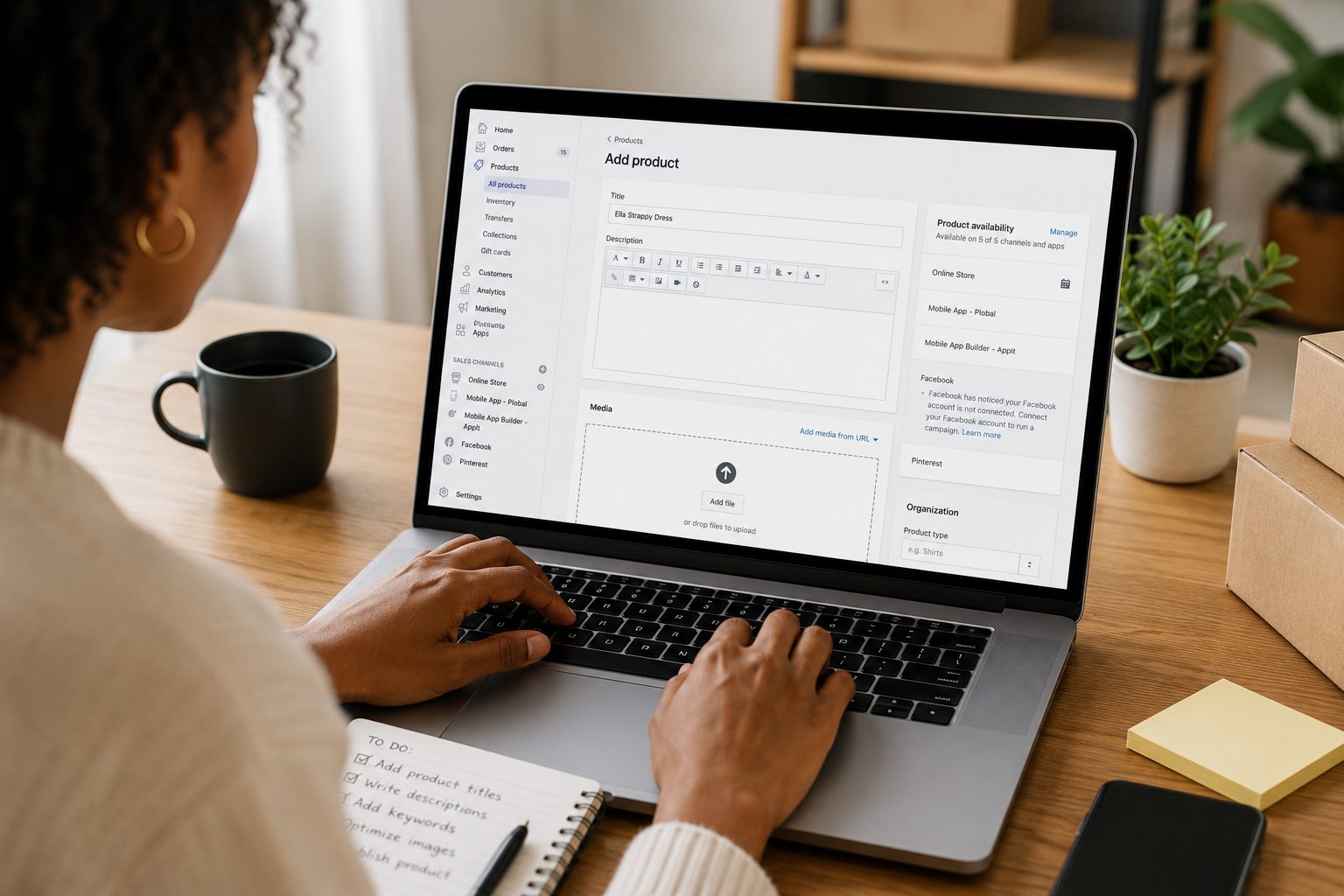
Search “shopify product title seo” and you’ll find sellers asking the same two questions: does the product title actually move rankings, and is it the same thing as the SEO title tag? On Shopify the answer is nuanced — the product name you type becomes the default page title, but it isn’t the whole story. This guide covers what a Shopify product title really is, how it differs from the SEO title tag, and how to write one that both ranks and earns the click.
Product title vs SEO title tag on Shopify
These are two different fields, and confusing them is the most common mistake. The product title (the product name) is what shoppers see on the page and throughout your store, and Shopify uses it by default as the page’s HTML title tag — the clickable headline in Google. But you can override that title tag independently: on the product’s admin page, open the “Search engine listing” section and edit the page title there. That lets you keep a clean, human product name on the page while tuning the SEO title for search. When people search “shopify product title seo,” this distinction is usually what they’re missing.
What goes in a title that ranks
Lead with the primary keyphrase — the specific query the product should rank for — because the front of the title carries the most weight and is what a shopper scans first. After the keyphrase, add the attributes buyers actually search and compare on: material, size, color, quantity, or use case. Put the brand at the end, not the start, unless the brand is itself the search term. Write for a human first; a title that reads like a keyword list gets skipped in the results even when it technically ranks.
Length and truncation
Google truncates the title tag at roughly 60 characters, or about 600 pixels on desktop, and mobile clips it sooner. Keep the SEO title inside that budget so the keyphrase and your selling point never get cut off. The on-page product name can run longer if your design needs it — it’s the SEO title in the “Search engine listing” field that must stay tight. If your best keyphrase plus a couple of attributes won’t fit, drop the brand before you drop the attributes.

A title formula, with examples
A reliable structure is primary keyphrase + key attribute(s) + brand. Applied to a vague “Kettle,” it produces Stainless Steel Pour-Over Kettle, 1L Gooseneck — BrandName; a bare “Blue Dress” becomes Linen Midi Dress in Summer Blue — BrandName. Each names what the product is, the attributes a buyer filters on, and the brand last — front-loading the words people type while still reading naturally to a shopper.

Common Shopify product-title mistakes
Four patterns quietly cost rankings and clicks. Keyword stuffing — repeating a term to “boost” it — reads as spam, and Google indexes it once anyway. Leading with the brand buries the keyphrase where it carries least weight (fine only when the brand is the query). Duplicate titles across near-identical variants make several pages compete for the same query; differentiate them or point to one canonical product. And vague names like “Model 200” or “Classic” describe nothing searchable — if the title doesn’t contain words a buyer would type, the page can’t match them.
Titles, descriptions, and the bigger picture
The title is the highest-leverage field, but it works with the rest of the page. Pair it with a unique meta description, a clean URL handle, and body copy that answers real buyer questions — the full checklist is in our Shopify product SEO guide. Selling the same catalog on WooCommerce? The title rules are similar but the editing surface differs — see the WooCommerce product SEO guide. And when you’re ready to write titles and descriptions at speed, the Shopify product description generator drafts keyword-led copy you can refine.
Frequently asked questions
What is the ideal length for a Shopify product title?
Keep the SEO title under about 60 characters — roughly 600 pixels on desktop, and mobile clips it sooner — so your keyphrase and value never get cut off with an ellipsis. The on-page product name can run a little longer if your store design needs it, but the SEO title (the “Search engine listing” field) should stay tight and lead with the keyphrase.
Should the product title and the SEO title tag be the same on Shopify?
Not necessarily. Shopify uses the product name as the default page title, but you can override the SEO title independently under “Search engine listing.” Keep the product name clear and readable for shoppers on the page, and tune the SEO title for search — keyphrase first, brand last, under 60 characters.
Where do I edit the SEO title in Shopify?
On the product’s admin page, scroll to the “Search engine listing” section and click Edit. There you can set the page title (the SEO title tag) and meta description separately from the product name. The field exists on every Shopify plan, though themes render the on-page product name differently.
Do product titles affect Shopify SEO?
Yes. The title is one of the strongest on-page relevance signals and the first thing a shopper reads in the search results, so it influences both how a page ranks and whether people click it. A vague or brand-first title wastes the most valuable space on the page — words a buyer would actually type belong at the front.
Skip the manual work
Ranklify applies the right SEO rules for Amazon, Shopify, and WooCommerce and writes a full, optimized listing in about 30 seconds. Start free — no card required.
Start free — 3 listings/month